How to Remove Flyaway Hairs by using Refine Edge Tool -Photoshop CS5

How to Remove Flyaway Hairs by using Refine Edge Tool -Photoshop CS5

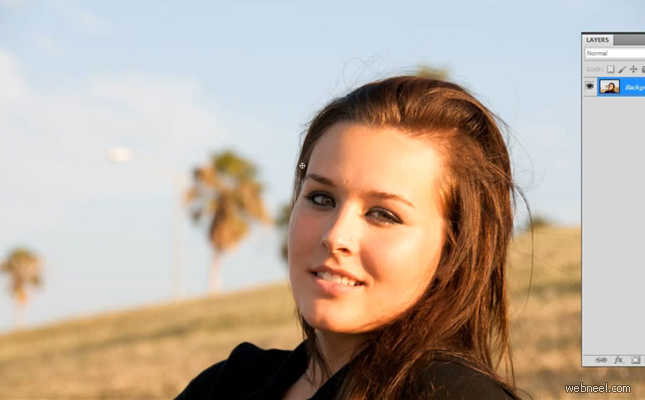
Having a bad hair day? Not when you're in Photoshop! Check out this tutorial on how to make even the most uncooperative hair fall in line using Photoshop CS5's Refine Edge.
What tips do you have for touching up hair using Photoshop?

A demonstration of how to remove flyaway hairs and other distractions using the refine edge tool in Photoshop CS5.
More Videos for showing refine edge tool in photoshop


This post is part of our daily series of posts showing the most Inspired Graphics collection. To share your Inspired Graphics, please send us via Email. Don't forget to Subscribe with us to receive Daily Graphics Inspiration emails.
Also you can Create New Discussion Thread in our Public Forum to discuss with other members. There are sections like "General Discussion", "Help Me", "Freelance Jobs" and "Share links".
Forum | Daily Inspiration | Funny Images

Add Comments

Latest Blog Post

13 Beautiful Photographs - In The Dollhouse and Fallen Princess by Dina Goldstein
25 Creative and Inspiring Animal Themed Print Advertisements for your inspiration
25 New Fonts for Graphic & Web Designers - Download Now
22 Stunning 3D Fantasy Characters and Digital Art works for your inspiration
25 Beautiful Brush Less Paintings by AmyShackleton - Urban Landscapes with Gravity
25 Best 3D Typography Designs and Ads for your Inspiration
Beautiful Fashion Photography by Elias Wessel for Vixen Magazine
Supporters: 123RF Stock Photos | Dansskor | Add + Feedback | Advertising